
Your FoodByUs account consists of two sections:
- My Profile includes your personal details; and
- Business which consists of your business details
Some of these details may change over time, but you can edit or update them in your Buyer dashboard anytime.
To change or edit your personal profile:
Step 1: Sign in to your FoodByUs dashboard.
Step 2: In your dashboard menu, go to My Account > My Profile. Then click on “Edit”.

Step 3: Once you’re done, click on “Update” to save these changes.

Then click on My Profile.

Step 4: Scroll down to “Business” and change or edit this part, too, as needed. To do so, click on “Edit”.

“Updated” with a check mark will briefly appear, once your changes have been set.
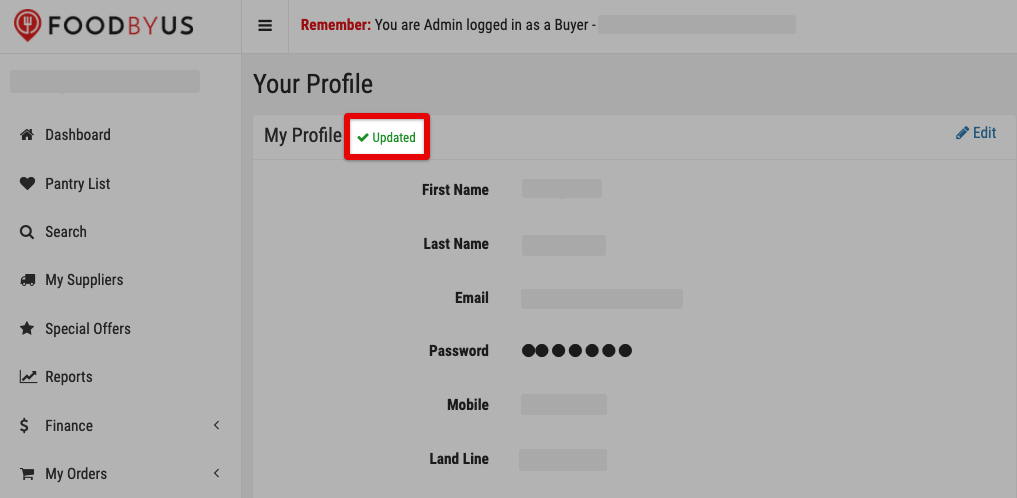
To change or edit your business details:
Step 1: From your Buyer dashboard, click on My Account > My Profile. Then go to the Business section and click on “Edit”.

Step 2: Change or edit your business name, ABN, and/or trading name.

Step 3: Delete your physical business address if you’ve changed locations, and input your current address.

|
NOTE: Any special instruction you saved for your old address will also be deleted, if you delete your existing address.
|

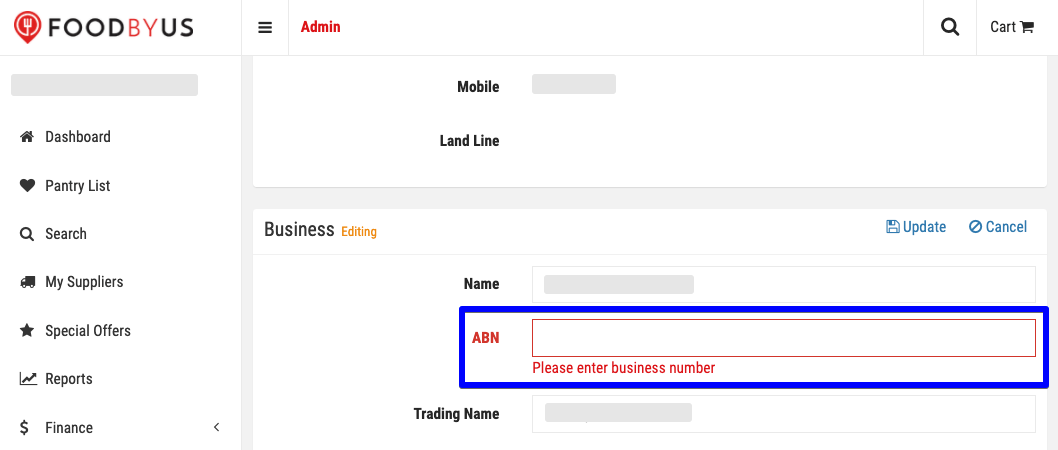
Step 4: Enter your ABN; so the system can update your profile.
If not, click on “No”.

Step 5: Enter your ABN, or the system will not update your profile.

When you’re done, click on “Update” to save these changes.

“Updated” with a check mark on the left will briefly appear, once your changes have been saved.
