How do I reorder?
Reordering helps you save time by instantly adding a previous order to your cart. This means you can reorder without having to manually add the exact same items to your cart.
You may reorder before or after your original order is delivered.
To reorder:
Step 1: Sign in to your FoodByUs dashboard.
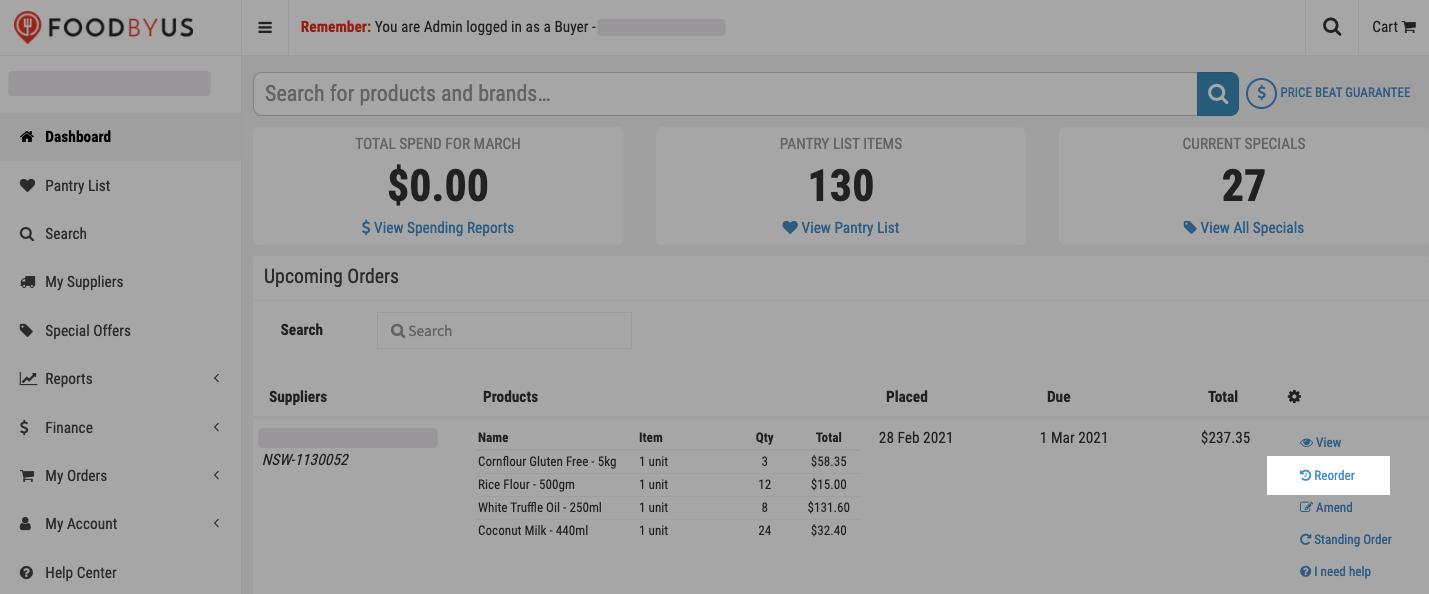
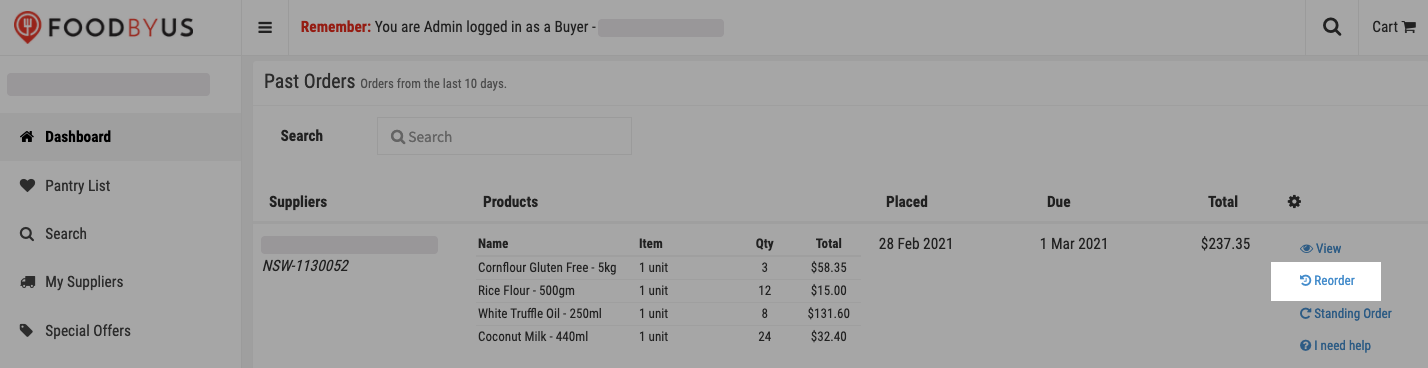
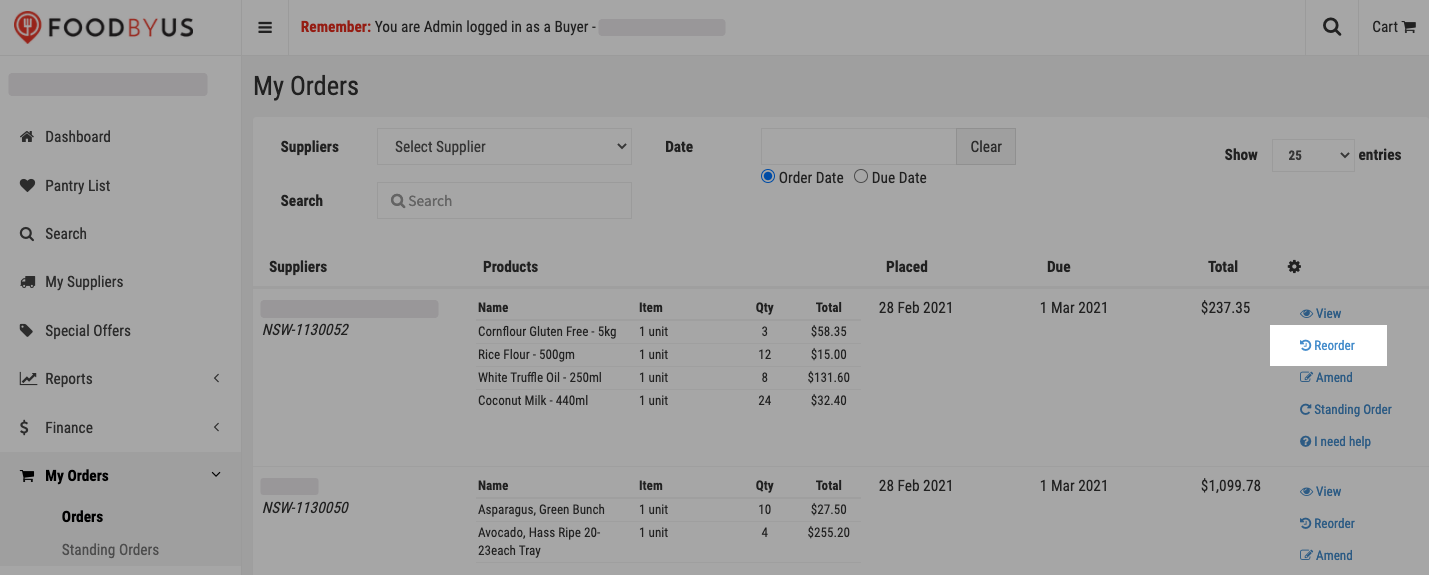
Step 2: Find the corresponding Order Reference #, then click on Reorder:
- Under “Upcoming Orders” (if the order is yet to be delivered)
b. Under “Past Orders” (if the order has been delivered)
c. From My Orders > Orders
d. From the order’s page when you view the order from your dashboard
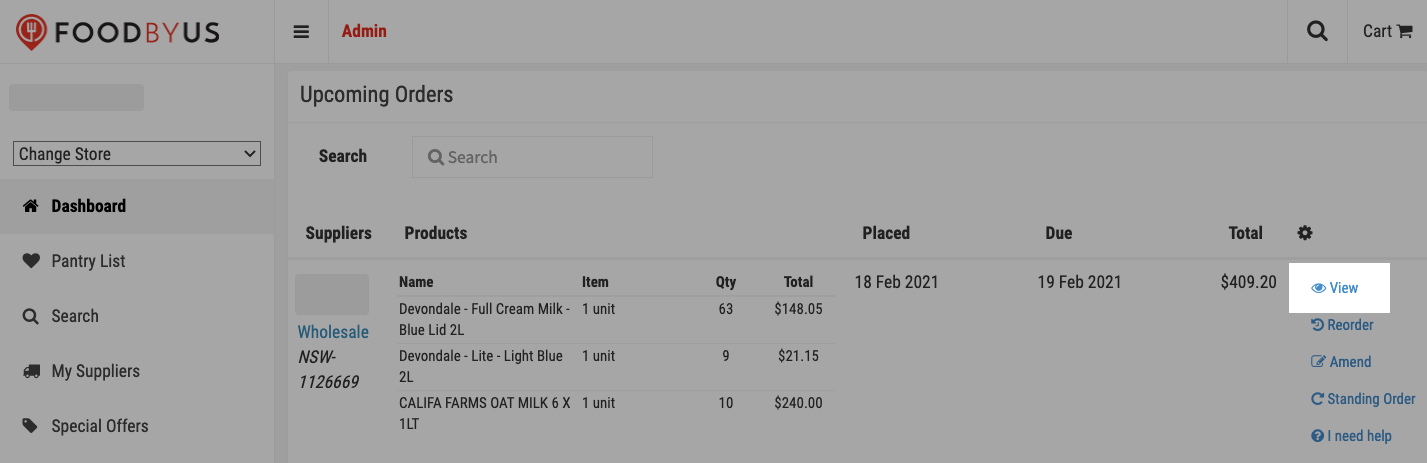
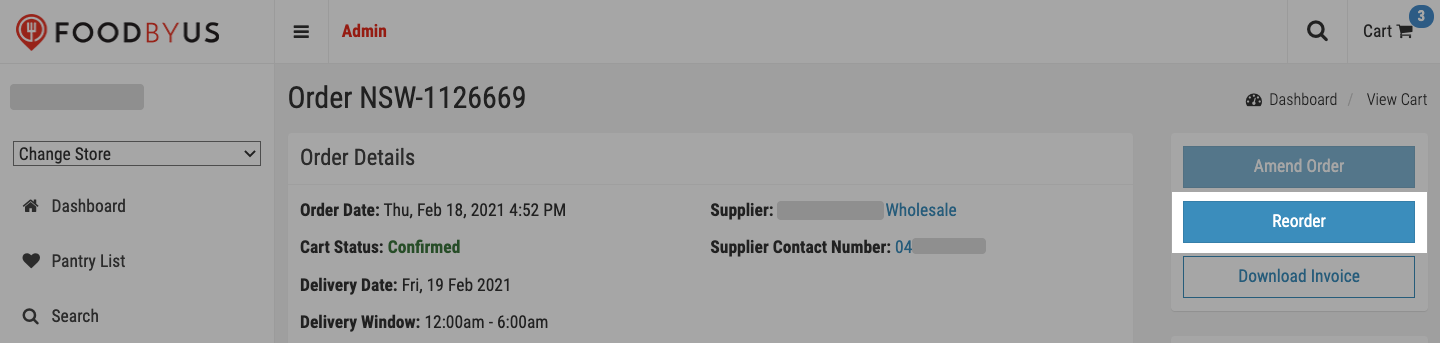
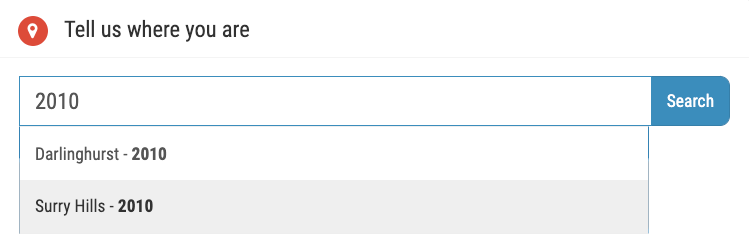
Step 3: In the pop-up window, enter your FoodByUs-registered suburb or postcode.

Confirm your location.
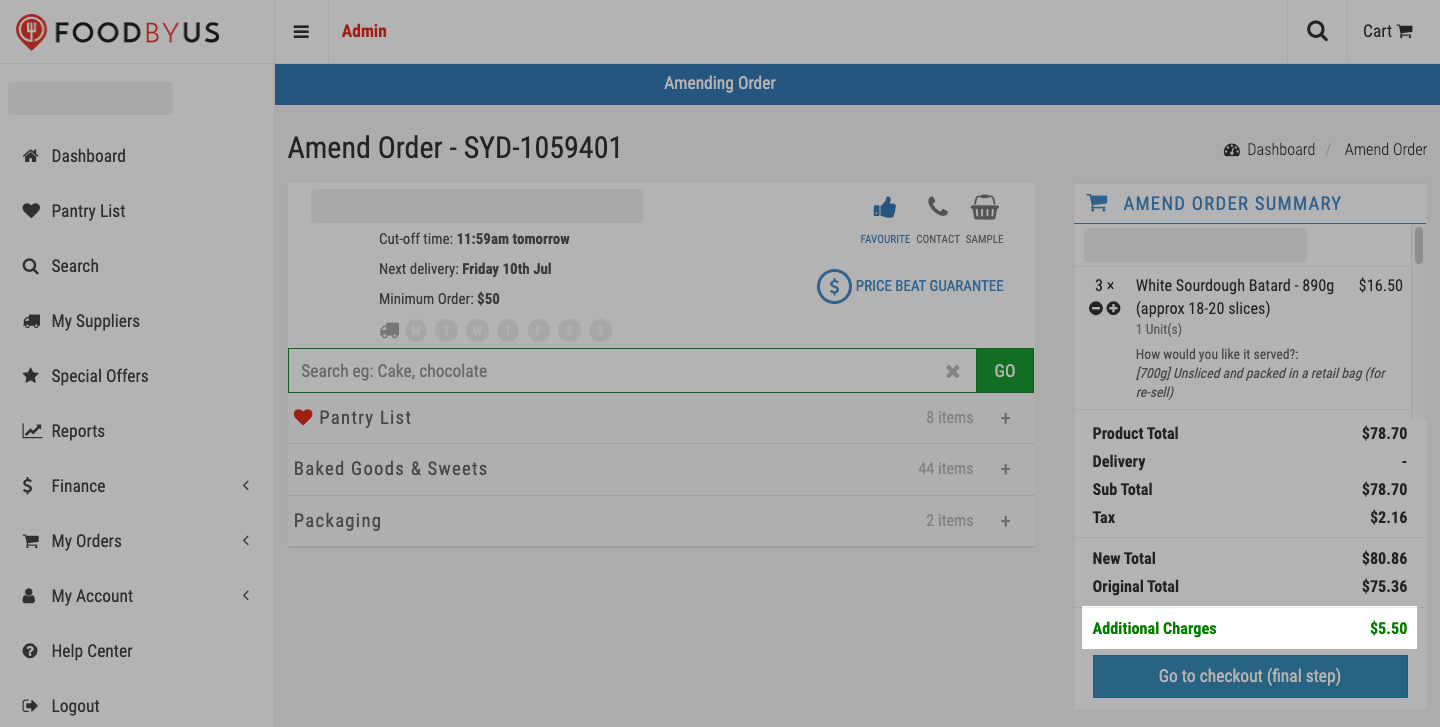
Step 4: Your new order has been created. Click on “Go to checkout (final step)” to complete your order.

|
NOTE: If you add new items to your order, additional charges will reflect; your credit card will be charged the price difference at checkout. If you remove items from your cart, an automatic refund will be processed for the price difference. Refunds are issued every Friday of the following week, for which you will be e-mailed. |